Who sees what, and why
A directory that decides what people can do.
Roles, per-location scoping and capability limits, so a store manager sees their store and an area manager sees all of them, without anybody hand-managing access.
Four roles that stack
Admin, manager, scheduler and employee, each a superset of the one below. Simple enough to explain to a new manager in a sentence.
- A manager can be restricted to the locations they run, so a multi-site directory does not hand everybody everybody else's team.
Limits inside a role
Bring a team in at once
People and permissions, answered.
Can a manager see other locations?+
Who can grant Admin?+
What happens when somebody leaves?+
The terms behind this feature.
Plain definitions for the words that show up when you run shifts, each one written to answer the question on its own.
Written up, from the floor.
How operators actually handle this, what it costs when it goes wrong, and where the trade-offs really sit.
More of the platform
Scheduling
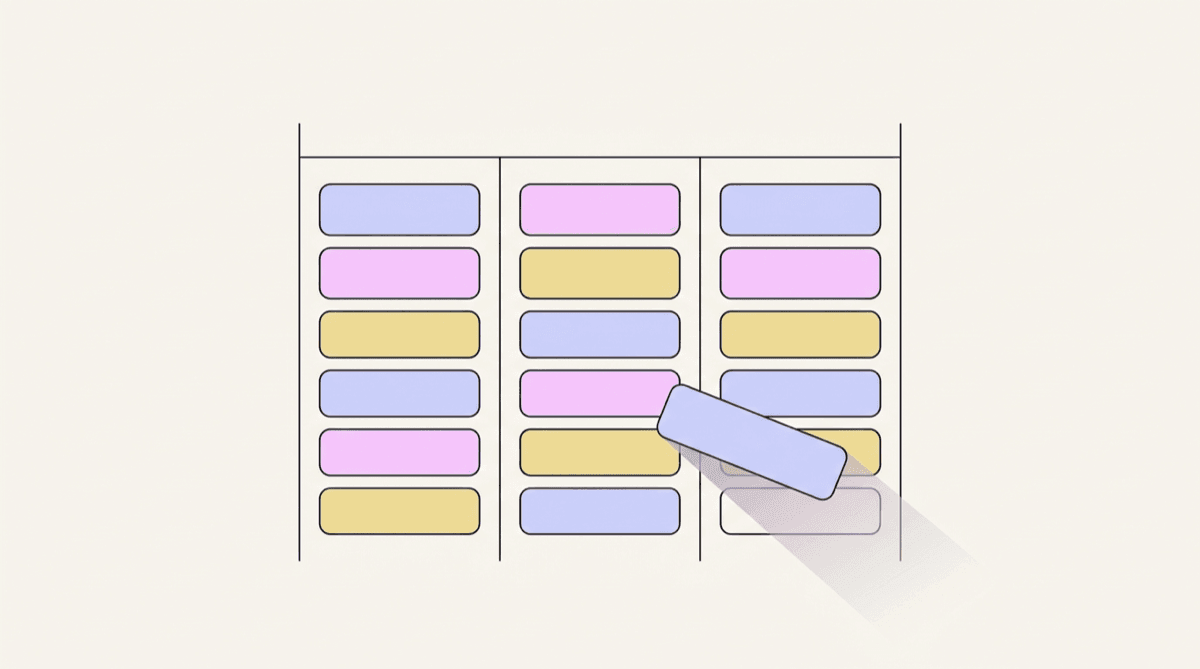
A drag-and-drop week grid where every position has its own colour, coverage gaps are visible, and templates seed the whole thing from your industry.
Explore scheduling
Time clock
Kiosk PIN clock-in with an optional verification photo, a live on-the-clock board and break tracking, so hours are real rather than remembered.
Explore time clock
Timesheets & payroll
Worked hours, breaks and overtime roll up automatically per period, with flags for anything that needs a human. Then export a clean CSV.
Explore timesheets & payrollSee it with your own schedule
Set up a workspace, add your team, and build a week. It takes about ten minutes and costs nothing.
Start free