The week grid, tuned to your floor
Build a week in minutes, not an afternoon.
A drag-and-drop week grid where every position has its own colour, coverage gaps are visible, and templates seed the whole thing from your industry.
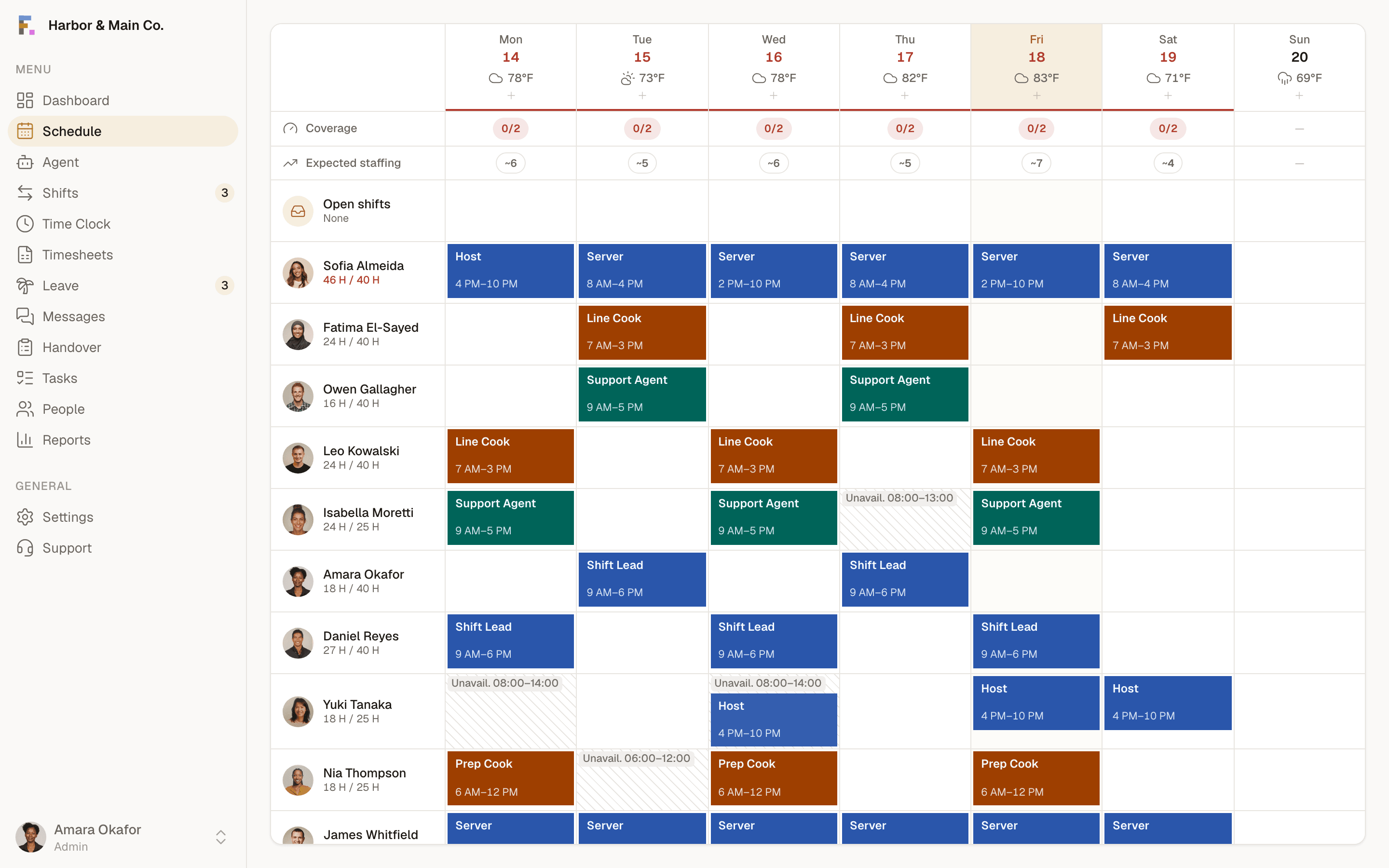
Colour-coded by position
Servers, cooks, cashiers: each position carries its own hue across the grid, so a whole week reads at a glance.
- Reuse last week as the starting point and adjust, instead of rebuilding from zero every Sunday.
Coverage you can see
Publish with a conflict check
Every publish is checked against your region's rule pack, with the statute cited on every rule.
Scheduling, answered.
Can I schedule across multiple locations?+
Do I have to start from a blank grid?+
What happens when I publish?+
The terms behind this feature.
Plain definitions for the words that show up when you run shifts, each one written to answer the question on its own.
- Split ShiftA single workday divided into two or more separate work periods with a long unpaid gap between them, common in restaurants, cafes and hospitality.
- Predictive SchedulingLaws, also called fair workweek laws, that require employers to give advance notice of schedules and to pay a premium for last-minute changes.
- ClopeningA closing shift followed immediately by the next morning's opening shift, leaving the employee very little rest between the two.
- Shift RotationA pattern that moves staff through different shift times on a repeating cycle, rather than fixing each person to one time of day.
- On-Call SchedulingRequiring staff to stay available for a shift they may or may not be called in to work, usually at short notice.
Written up, from the floor.
How operators actually handle this, what it costs when it goes wrong, and where the trade-offs really sit.
- One Schedule, Three LocationsMulti-site scheduling breaks assumptions a single-site rota never tested. Here's what changes, and what has to stay local.
- Fair Workweek Laws in Plain EnglishPredictive scheduling laws differ by city, but they ask for the same handful of things. Here's the plain-English version.
- From Spreadsheet to Self-Running in an AfternoonYou don't need a migration project. Here's what the first afternoon on Formclock actually looks like, step by step.
More of the platform
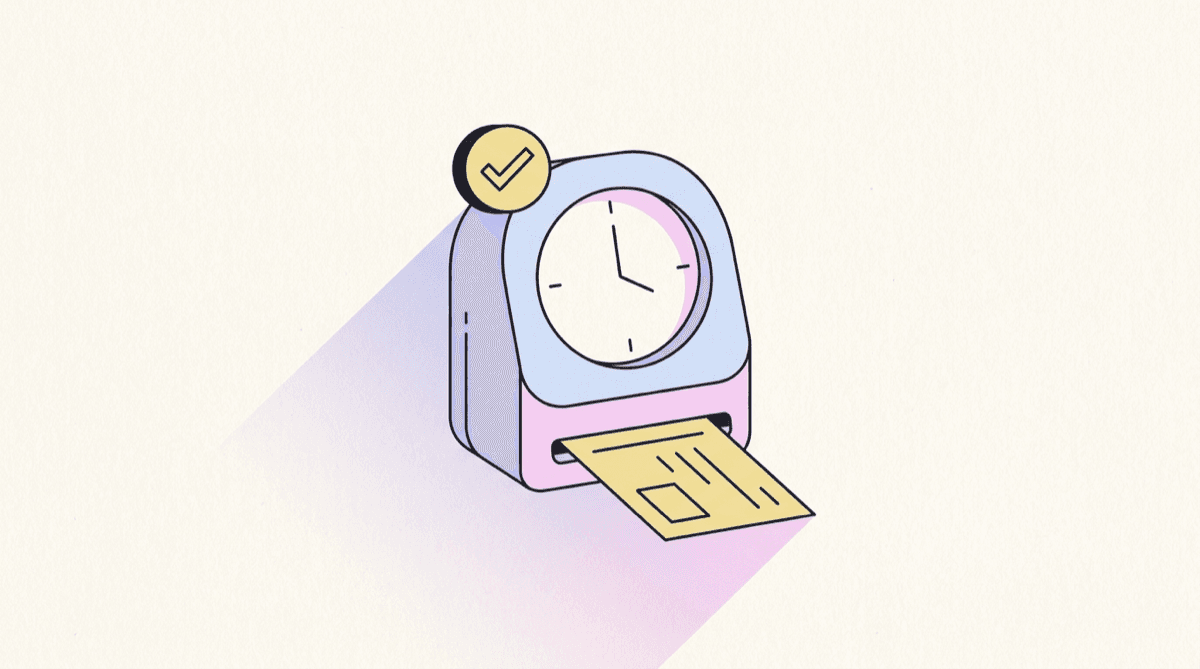
Time clock
Kiosk PIN clock-in with an optional verification photo, a live on-the-clock board and break tracking, so hours are real rather than remembered.
Explore time clock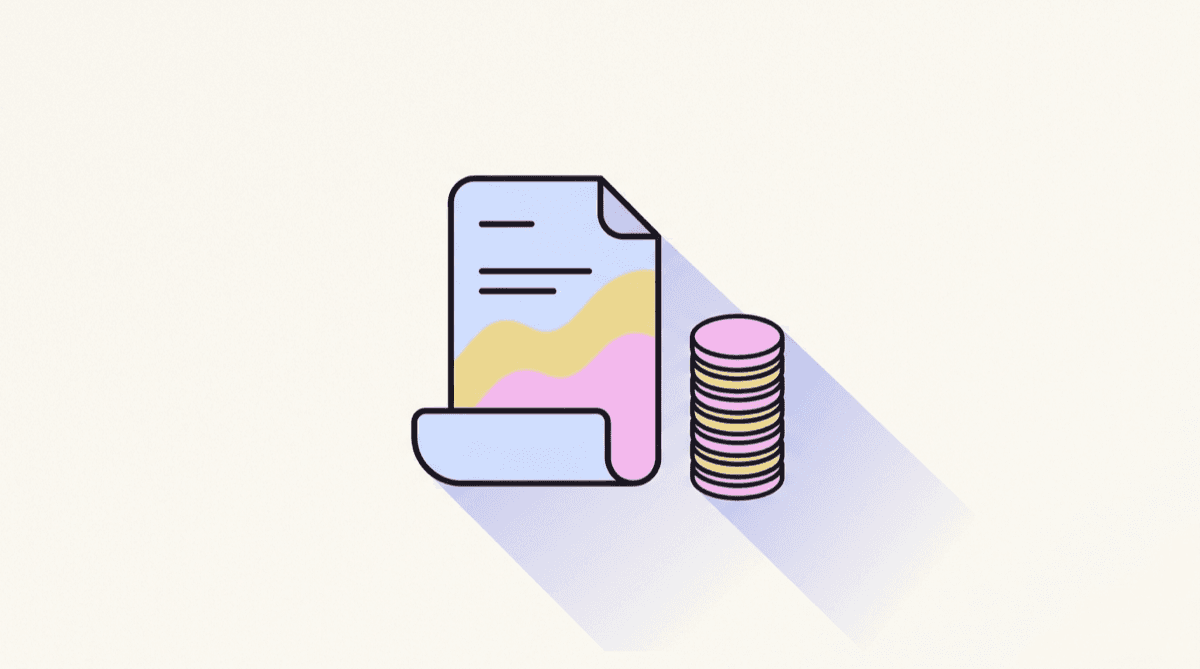
Timesheets & payroll
Worked hours, breaks and overtime roll up automatically per period, with flags for anything that needs a human. Then export a clean CSV.
Explore timesheets & payroll
Leave & availability
Balances, requests and a who's-away month calendar, so approving leave never means accidentally leaving a shift uncovered.
Explore leave & availabilitySee it with your own schedule
Set up a workspace, add your team, and build a week. It takes about ten minutes and costs nothing.
Start free